
Azure AI Services
Build cutting-edge, market-ready AI applications with out-of-the-box and customizable APIs and models

Deploy trusted AI quickly with a portfolio of AI services
Introducing Phi-3, the most capable and cost-effective SLMs available, developed by Microsoft.

Overview
Build intelligent apps with industry-leading AI
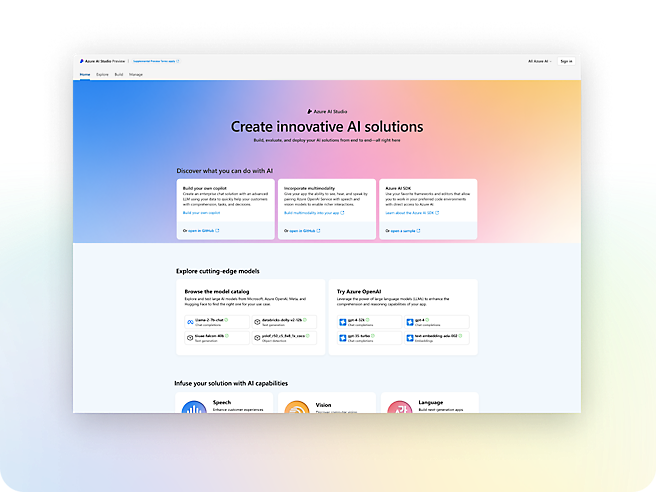
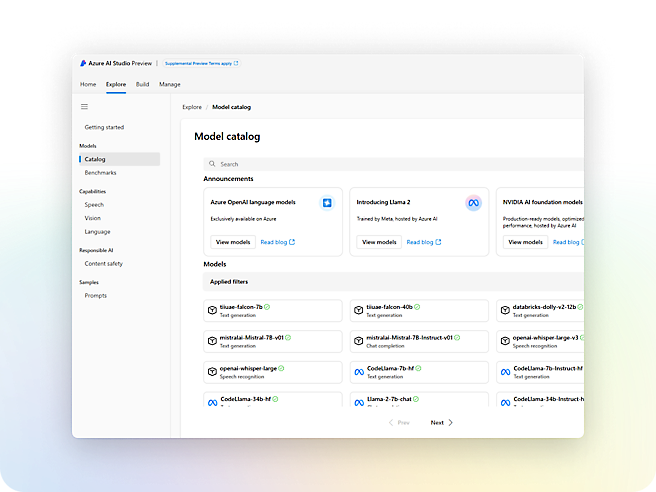
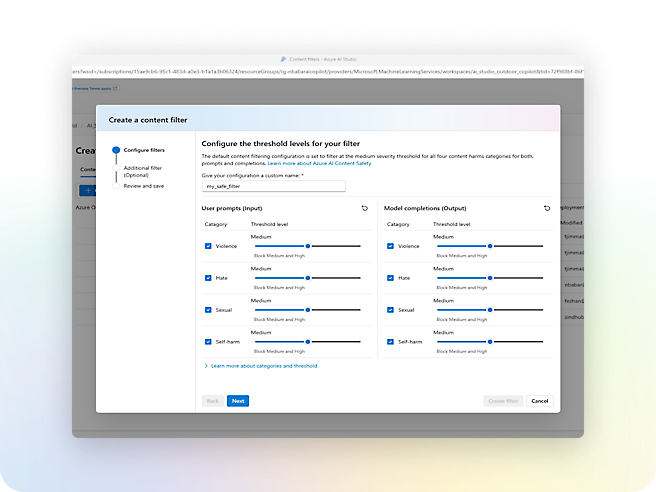
- Quickly infuse generative AI into production workloads using studios, SDKs, and APIs.Gain a competitive edge by building AI apps powered by foundation models, including those from OpenAI, Meta, and Microsoft.Detect and mitigate harmful use with built-in responsible AI, enterprise-grade Azure security, and responsible AI tooling.

Services
Build with customizable APIs and models

Azure OpenAI Service
Build your own copilot and generative AI applications with cutting-edge language and vision models.

Azure AI Search
Retrieve the most relevant data using keyword, vector, and hybrid search.

Azure AI Content Safety
Monitor text and images to detect offensive or inappropriate content.

Azure AI Translator
Translate documents and text in real time across more than 100 languages.

Azure AI Speech
Use industry-leading AI services such as speech-to-text, text-to-speech, speech translation, and speaker recognition.

Azure AI Vision
Read text, analyze images, and detect faces with optical character recognition (OCR) and machine learning.

Azure AI Language
Build conversational interfaces, summarize documents, and analyze text using prebuilt AI-powered features.

Azure AI Document Intelligence
Apply advanced machine learning to extract text, key-value pairs, tables, and structures from documents.
Built-in security and compliance
Microsoft has committed to investing $20 billion in cybersecurity over five years.
We employ more than 8,500 security and threat intelligence experts across 77 countries.
Azure has one of the largest compliance certification portfolios in the industry.

Pricing
Azure AI Services pricing
Explore flexible, consumption-based pricing for the family of AI services. Each service supports various pricing options to fit your needs.

Find your AI solution
Discover Azure AI—a portfolio of AI services designed for developers and data scientists.
Customer stories
See how customers are using Azure





















ACCOUNT SIGNUP
Get started with a free account
Start with $200 Azure credit.

ACCOUNT SIGNUP
Get started with pay-as-you-go pricing
There’s no upfront commitment—cancel anytime.